Flutter specialist for iPhone and iPad
The Next App develops iOS apps for iPhone and iPad. With Flutter we build from a single codebase that also runs on Android, so you can expand later without rewriting everything.
First version with core features (MVP) from €10,000 · Lead time 2–6 months · No-obligation introductory call
Companies that trust us









Flutter specialist since 2018
We adopted Flutter in 2018, well before it went mainstream. To end users, the app looks and feels just like any native iPhone app.
iPhone and iPad
We test on real iPhone and iPad models and make sure the app feels as familiar as any other Apple app.
Dedicated contact person
No large organisation with rotating teams. You always work with the same developer who knows your project from start to finish.
Our approach
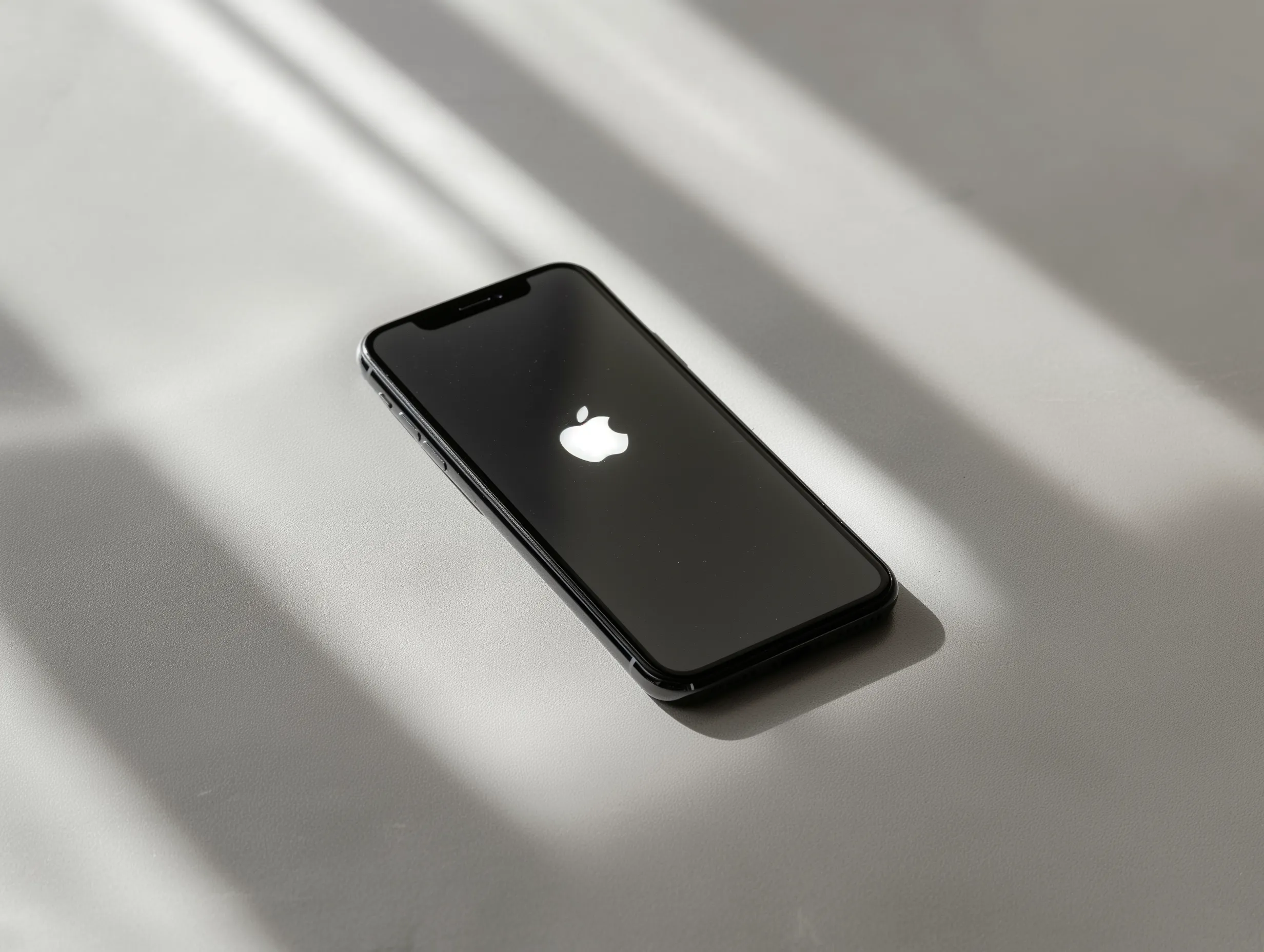
For most iOS projects, Flutter is the best choice. With Flutter we build an app that fully supports iOS features like Face ID, camera and location services. To the end user it feels no different from a Swift app, but it is built from a single codebase that also runs on Android.
That is a significant advantage: even if you only want an iPhone app now, you are not locked in if you later want to expand to Android. The codebase is already there.
In exceptional cases where deep Apple integrations are needed, such as CarPlay or watchOS widgets, we advise native Swift. We will be upfront about this during the introductory call.
Schedule an introduction →Costs
A first version with core features only (MVP) starts from €10,000. A basic Flutter app starts from €15,000 and an app with a backend for data or user management from €20,000. These are indicative prices: screens, features and integrations determine the scope.
For example, a more extensive project with multiple user roles, a backend and integrations with existing systems may cost €30,000 to €60,000 or more. After the intake you receive a quote for your project.
Because we build with Flutter, you pay for one codebase instead of two separate native apps. Want to add Android later? The extra work is considerably less than if you had started with a native Swift app.
Want a quick estimate of what your iOS app will cost? Call us: 010 307 6100


Get started
Tell us what your app needs to do and whether your users have an iPhone, iPad or both. We also discuss a possible Android version, integrations with existing systems, timing and budget. Together we decide which features belong in the first version and whether Flutter fits. You do not need a finished design for this conversation.
Our office is at Westblaak 33 in Rotterdam. We work with clients across the Netherlands.
Discuss your iOS app →Previous work
FAQ
For almost all iOS projects we use Flutter. Flutter compiles to native ARM code and gives access to all iOS features through platform channels, including the camera, Face ID, location, Bluetooth and push notifications. In practice, the difference from a native Swift app is imperceptible to end users.
A key advantage: the codebase also works on Android, so expanding later does not require starting from scratch. In the rare cases where deep Apple integrations are needed, such as watchOS widgets or CarPlay, we advise native Swift.
In most cases, yes. Flutter compiles to native ARM code and renders its own UI elements through the Impeller engine. The app feels native on iPhone and iPad: the animations, transitions and interactions are exactly what you would expect from a Swift app.
The only difference arises with platform-specific integrations such as Apple CarPlay, watchOS or certain widget extensions. For standard apps, business apps and consumer apps, this is not a factor.
Yes, that is one of the benefits of Flutter. Because we build from a single codebase, the step to Android is relatively small. You can start with iOS only and later decide to support Android. The foundation is already in place.
Want to launch on iOS and Android at the same time? That is also possible. The extra cost compared to iOS-only is significantly lower with Flutter than with two separate native apps.
A first version with core features only (MVP) starts from €10,000. A basic Flutter app starts from €15,000 and an app with a backend for data or user management from €20,000. These are indicative prices: screens, features and integrations determine the scope.
After an intake call we provide a transparent quote per phase. For a full breakdown of all pricing factors, see our app development costs page.
A simple iOS app is ready in 2 to 3 months. A more complex app with a backend, multiple user roles and integrations takes 4 to 6 months. We work in two-week rounds, so you get a testable version after every round.
After the app is approved, the Apple review process typically takes 1 to 3 business days. We guide you through the entire App Store submission process.
To publish in the App Store, you need an Apple Developer Account. You apply for this yourself via developer.apple.com. It costs €99 per year. The app is then published under your own name.
We handle the complete publication process: screenshots, app description, keywords and submission to Apple. We also support you if Apple has questions or if there is a rejection.
Let's grab a coffee. Tell us about your idea and we'll give you our honest take on what's possible.
Schedule a call →Usually a reply within seconds