An ERP, a CRM, accounting and custom software that do not talk to each other cost you double data entry and errors. The Next App builds the layer in between, so a change in one place lands everywhere.
Companies that trust us










We build what hangs off it too
An integration rarely stands alone. We also build the app or web application above it, so there is no second party to point at when something does not come through.
You hear it when something stops
Every integration we deliver keeps track of what got through and what did not. If a system fails, we see it before your customer does.
Fixed team, no outsourcing
Everything in-house, in Rotterdam. Whoever builds your integration is the one who adjusts it in two years when a supplier changes their interface.
Technologies we use
Middleware
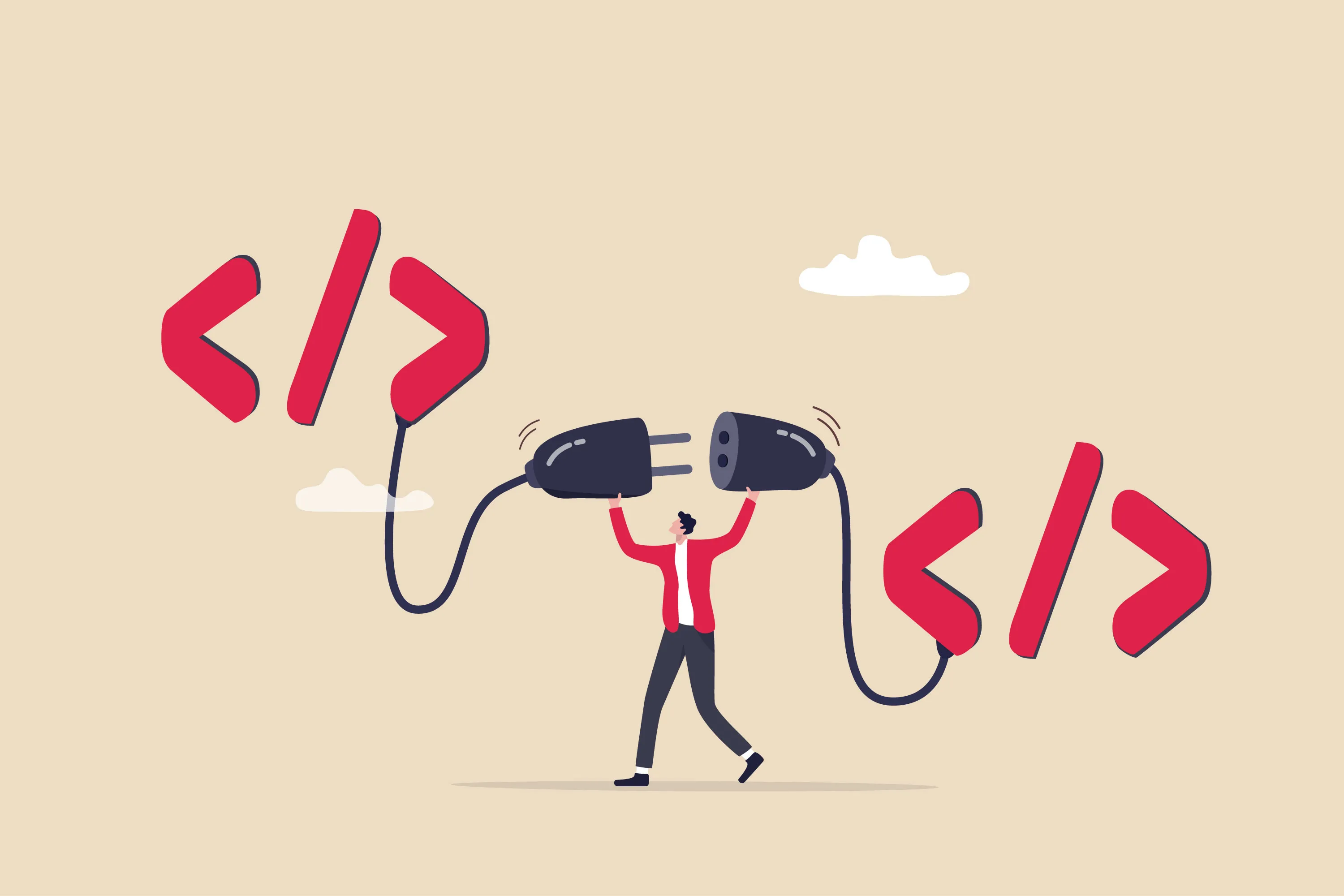
Many organisations run multiple systems in parallel: an ERP, a CRM, an accounting system and their own tools. When those systems do not communicate with each other, manual steps, double data entry and errors arise.
We build middleware that connects your systems. Think integrations with AFAS, Exact, SAP or Salesforce, but also custom API integrations between systems that do not work together out of the box. Changes are automatically synchronised, so all systems are always up to date.
An integration is rarely a goal in itself. Usually something else depends on it: a customer portal showing live stock, an app writing work orders into the ERP, or a dashboard pulling figures from three systems at once.
Systems
The question almost always arrives as a name: "can you connect us to AFAS?" What happens next depends less on that package than people expect, and more on what the supplier opens up.
AFAS, Exact Online, Twinfield and SAP all have an interface, but they differ in what they allow and how often. It usually comes down to invoices, hours, items and contacts. The trap is the number of requests you are allowed per day: pull everything every fifteen minutes and you hit the ceiling within a week. So we only fetch what has changed since last time.
Salesforce, HubSpot and Pipedrive get connected to stop sales and delivery each keeping their own version of the truth. The hard part is usually deciding which system is in charge of a customer record when both have changed it. We make that call up front, before it ever goes wrong.
Integrations with stock systems and webshops are the most sensitive to delay. If your shop shows stock that no longer exists, you find out at the customer service desk. Here we usually build an integration that fires the moment something changes, rather than one that checks at fixed times.
For Quooker we built a database where service engineers record their measurements, with a connection to Qlik Sense for the reporting. For Casterbee it was the payment integration with Online Payment Platform. That kind of work has no off-the-shelf answer, and it is what we are set up for.
Your package not listed? That says very little. Ask us to look at your supplier documentation and you will know within a day whether it can be done.


Types
Which of these four it becomes is decided by the supplier of the system you are tied to. You usually get no say in it.
In practice one project is often a mixture: one system allows only a nightly file, another can notify instantly. The integration in between has to make that difference invisible.
What goes wrong
Every integration breaks at some point, because it hangs off other people's systems. The difference is what happens then. These are the four cases we build an integration to survive.
What we deliver alongside is a view of the integration: what came through today, what did not, and why not. Without that you notice a silent failure only when someone calls about a missing order.
Cost
Most of the work is not in the building but in the working out: what the supplier opens up, which system is in charge of which record, and what should happen when it fails. That sets the price.
Indicative price: a single integration between two systems that both have a decent interface starts from €5,000. An integration layer across several systems, with failure handling and a view of what gets through, usually sits between €15,000 and €40,000.
Budget for maintenance as well. An integration hangs off other people's software that keeps changing, so anyone who spends nothing after delivery meets the bill later anyway. More about that on the page about our services.
Prefer an estimate straight away? Call us: 010 307 6100
Approach
We read the documentation for the systems you want to connect and work out what is open, how often you may ask, and what data is actually in there. Sometimes the answer is that it cannot be done the way you pictured. You hear that here, not halfway through.
For each record we set out which system leads and what happens in a conflict. This is an hour of conversation that saves months of trouble later.
The integration first runs against the test environment of both systems, with real data but no consequences. You check whether what comes out is what you expected.
We switch the integration on while the old way of working is still running, so you can compare. If it holds up for a week, the manual step comes out.
After that we track what gets through and what does not. If something fails we see it, and you hear from us what was done about it.
Not looking for the integration but for the application above it, such as a portal or dashboard? That is set out on the page about web application development.
FAQ
For many common combinations a ready-made connector already exists, usually at a monthly fee. If it fits your situation, that is almost always the sensible choice, and we will say so.
Custom work becomes interesting as soon as you want something the standard does not do: your own processing along the way, a system that is not on the list, or data that has to be combined differently than the makers imagined. You pay more once and nothing monthly, and the integration does exactly what your process asks.
Almost anything can, but not everything equally well. It depends on what the supplier opens up. Some packages offer a full interface with good documentation. Others allow only a nightly export, and then the integration is a day old by definition.
We work that out beforehand and tell you what is achievable before anything gets built. If it cannot be done the way you want, you hear that in the first conversation.
The integration holds on to whatever could not be sent and retries at growing intervals. Once the system is back, the backlog drains on its own. Nothing is lost and nobody has to retype anything.
If it stays quiet longer, we see it and get in touch. Every integration we deliver tracks what gets through and what does not, so a silent failure does not surface only when a customer calls.
It happens, usually with notice in advance. We follow those announcements for the systems we connect for you and adjust the integration before the old version stops.
This is also why an integration is never quite finished. It hangs off other people's software that keeps changing. So budget a modest amount per year for maintenance rather than nothing.
A single integration between two systems that both have a decent interface is usually in place within two to four weeks. The investigation beforehand often takes more time than the building itself.
An integration layer across several systems runs closer to two to four months. The biggest unknown is almost always the quality of the documentation on the other side, and we only find that out after the first stage.
You do. You get the code, the documentation and the access, and you are not tied to us to have it changed. We do not charge a monthly fee to keep running something you have paid for.
We do that on purpose, because a fee like that makes a client dependent. The same goes for everything we build.
Yes, and that is often how an integration reaches us in the first place. A customer portal showing stock, an app writing work orders into the business system, or a dashboard pulling figures from three systems: in all three the integration exists because the application on top needs it.
Because we build both, there is no second party to point at when something does not come through. Read on about web application development or app development.
Let's grab a coffee. Tell us about your idea and we'll give you our honest take on what's possible.
Schedule a call →Usually a reply within seconds