Interactive platform for museum education — student app, teacher app, CMS and automatic video montage
About the project
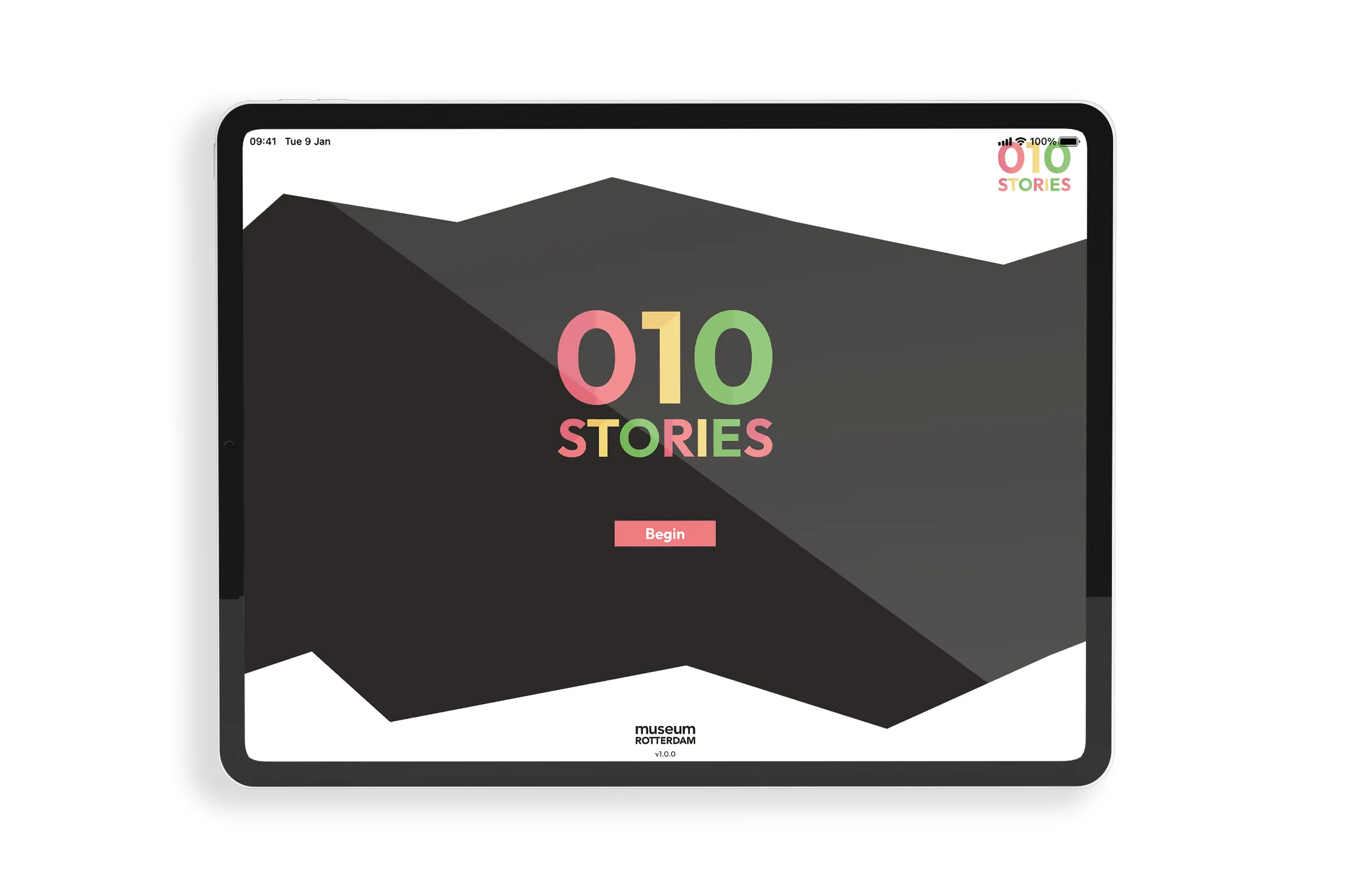
Museum Rotterdam wanted to offer school classes an interactive digital experience during their museum visit. Students complete assignments based on museum collection pieces, the teacher guides the session and the museum manages all content itself. At the end of the visit, each class automatically receives a personalised video to take home.
The Next App developed the complete platform from scratch: a student app, a teacher app, a CMS for museum staff and a NestJS backend with automated video montage via FFmpeg and Google Cloud.
Features
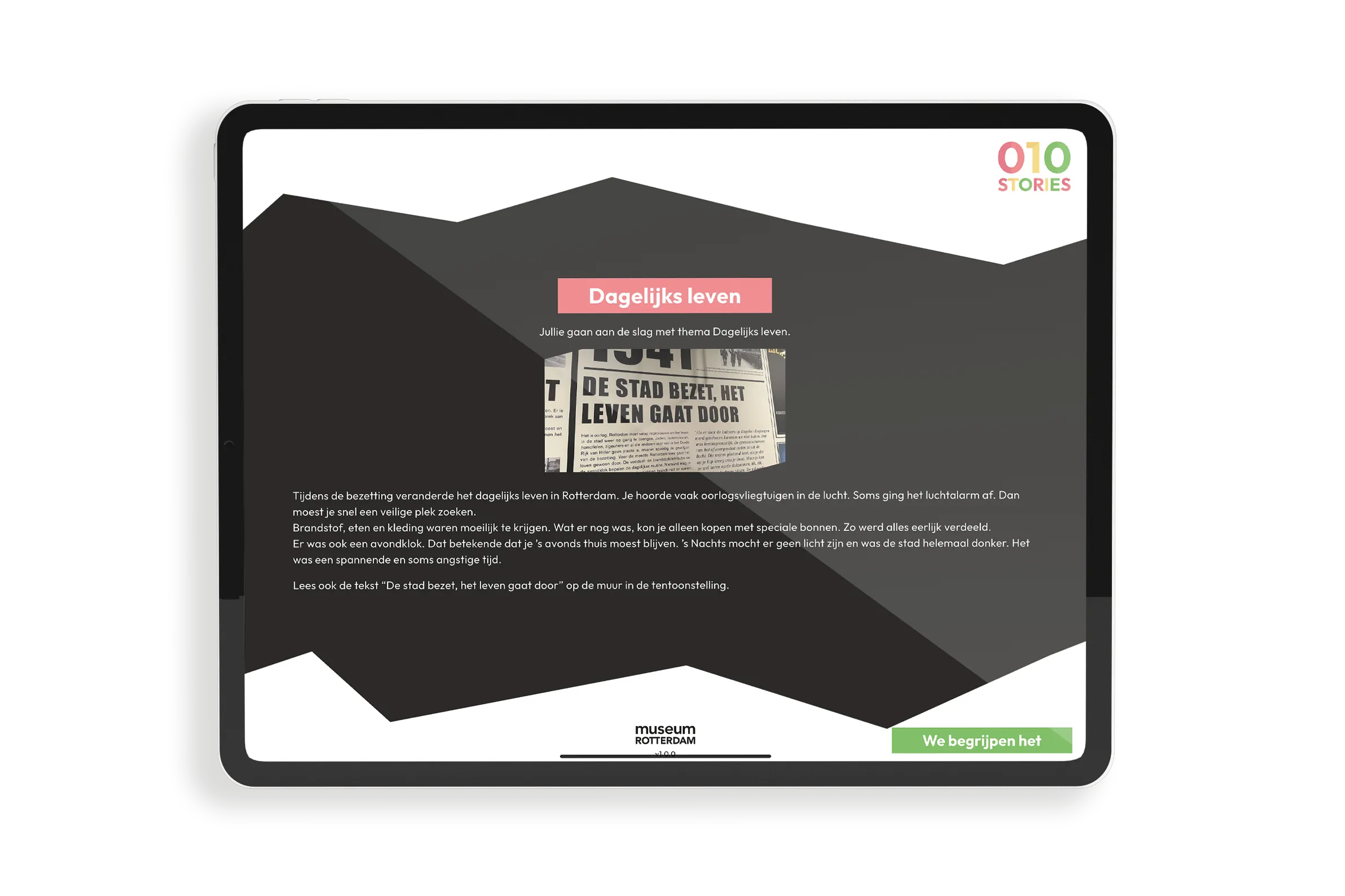
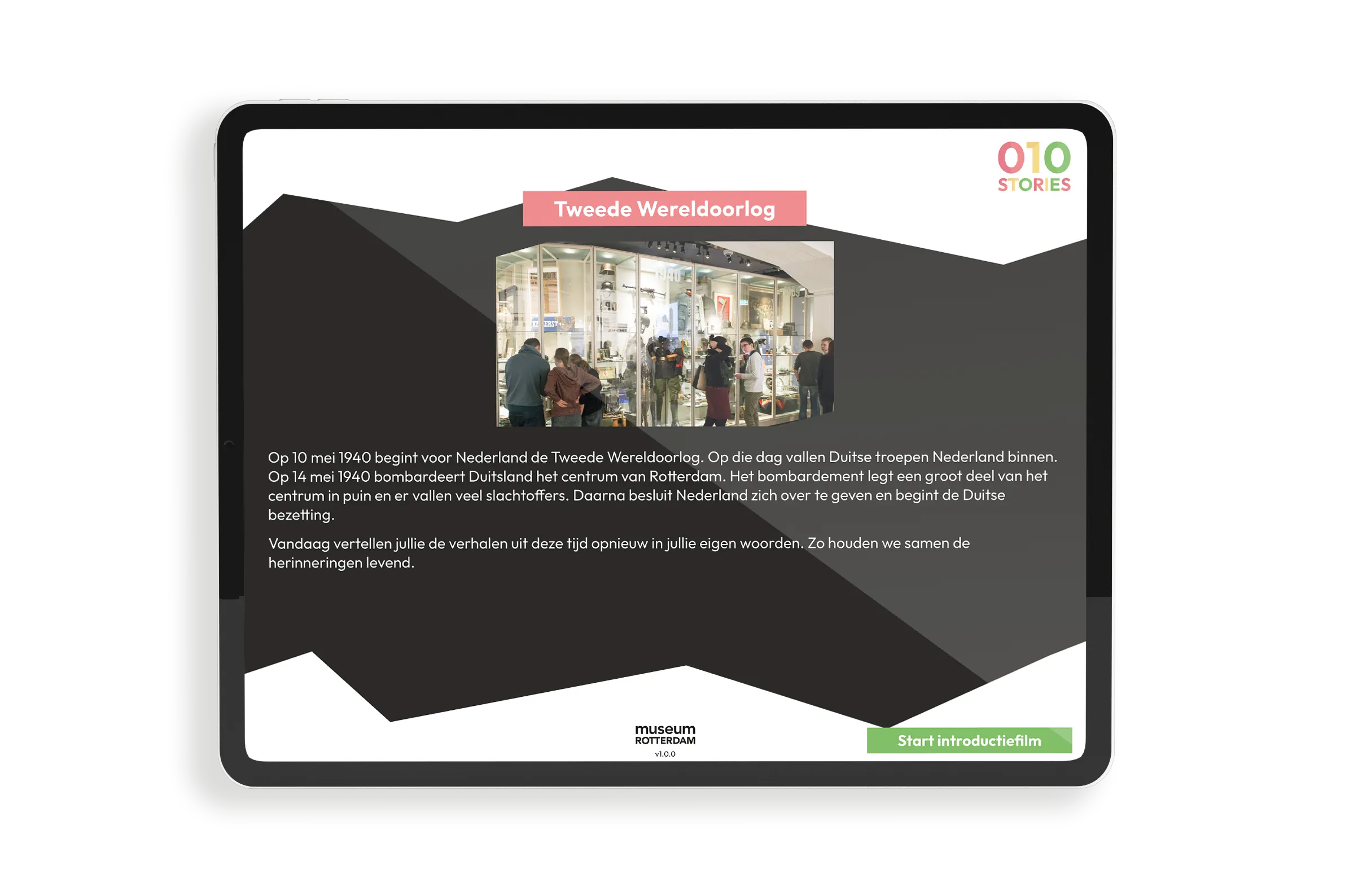
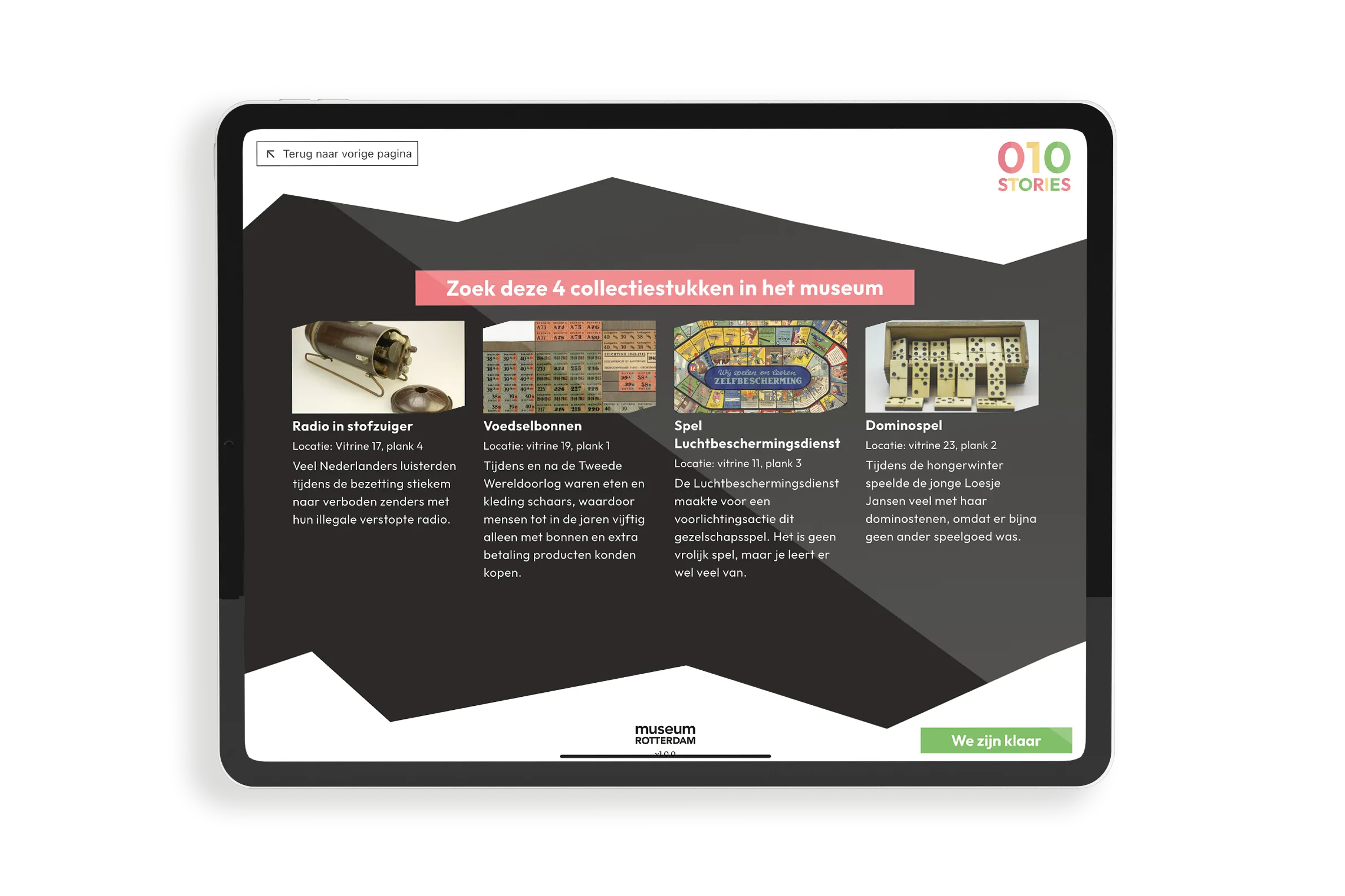
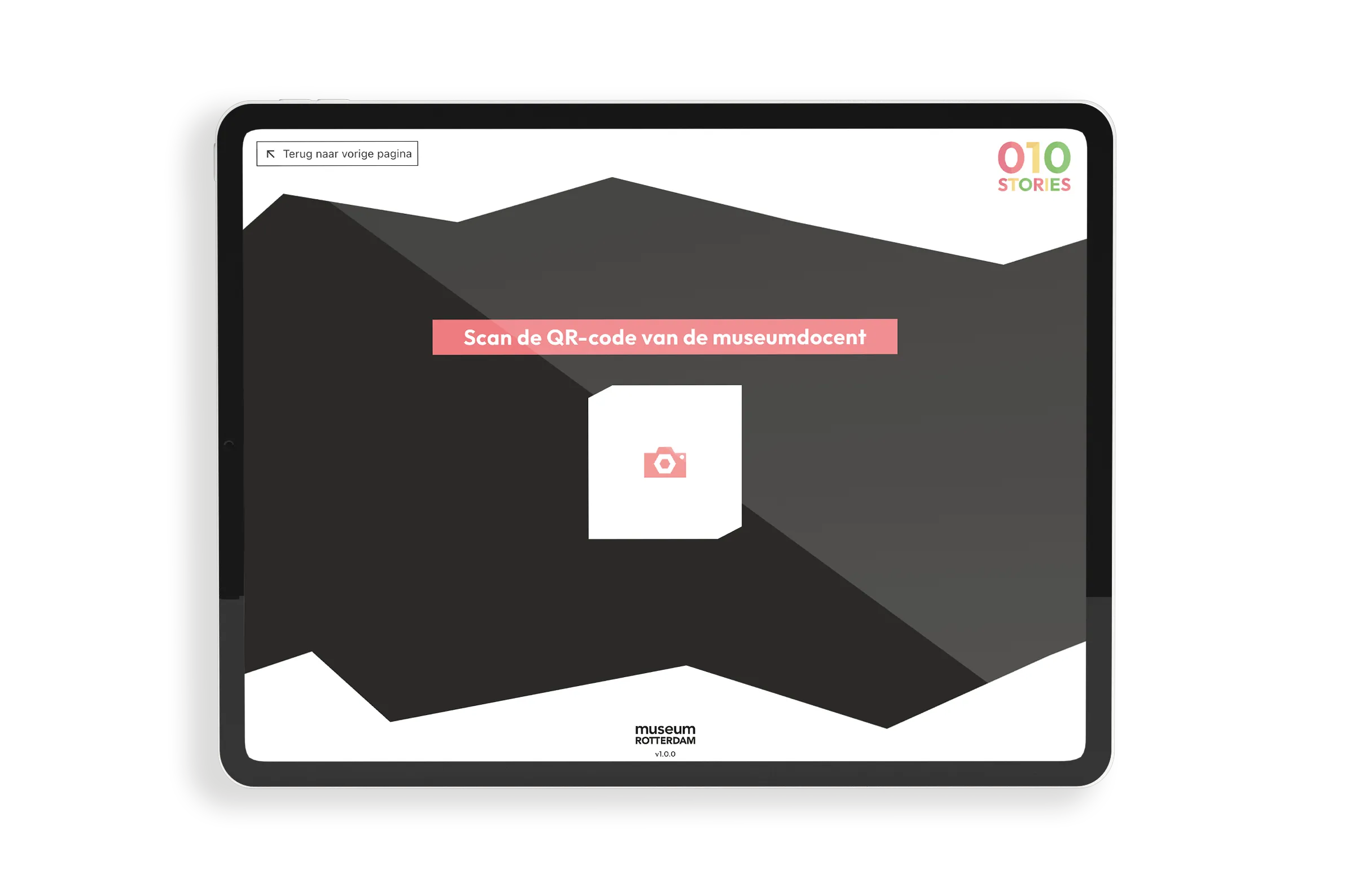
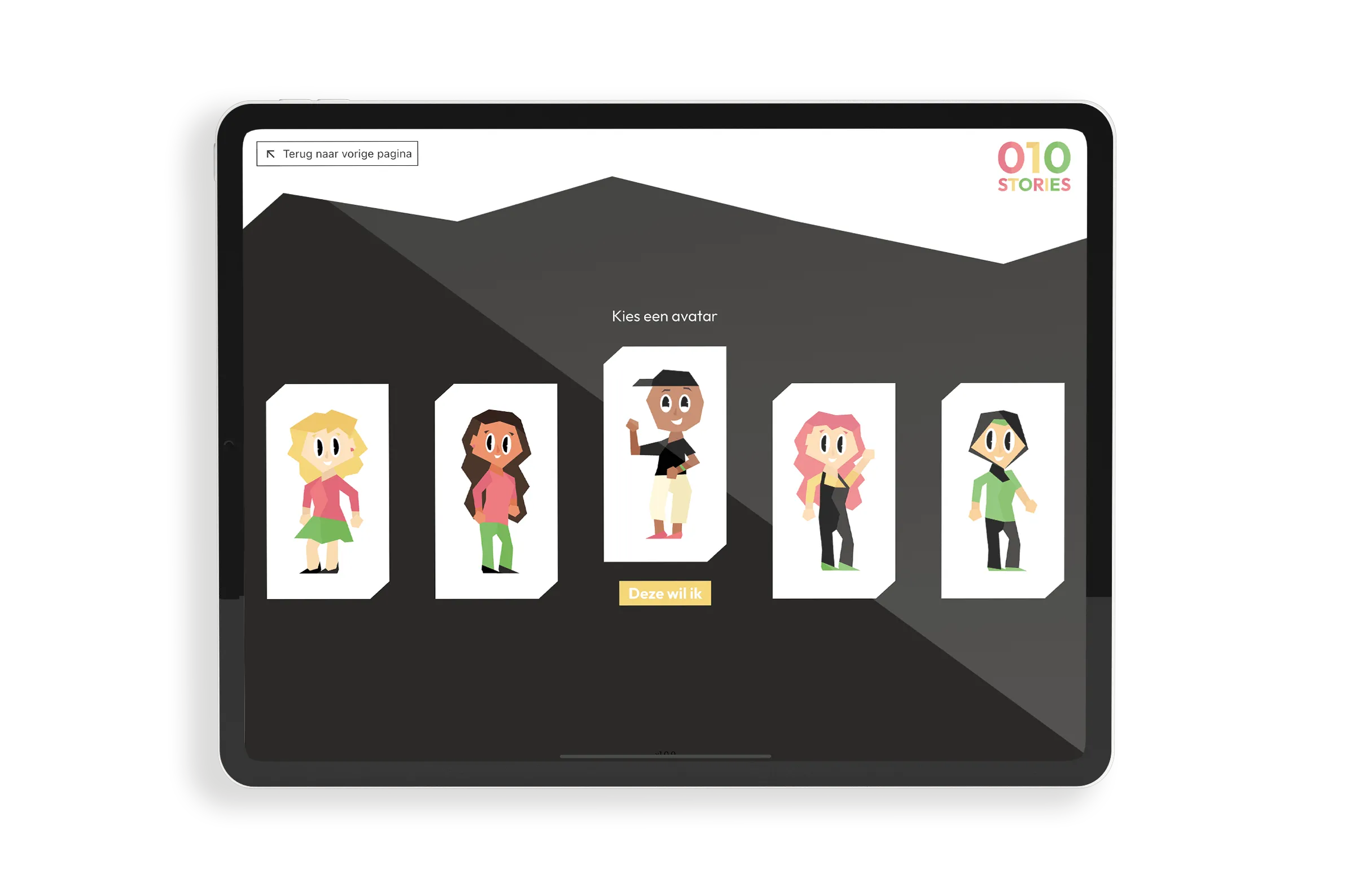
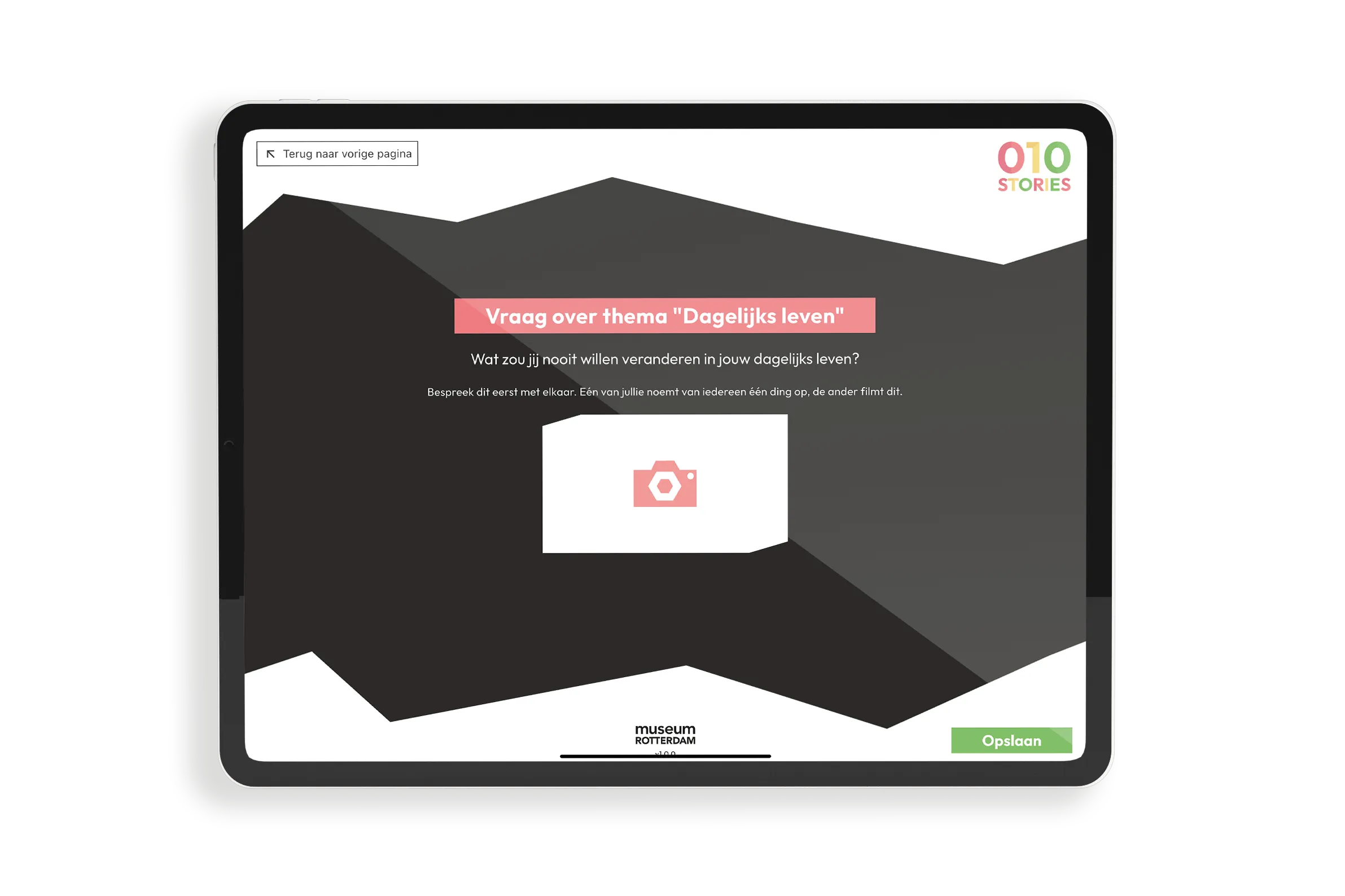
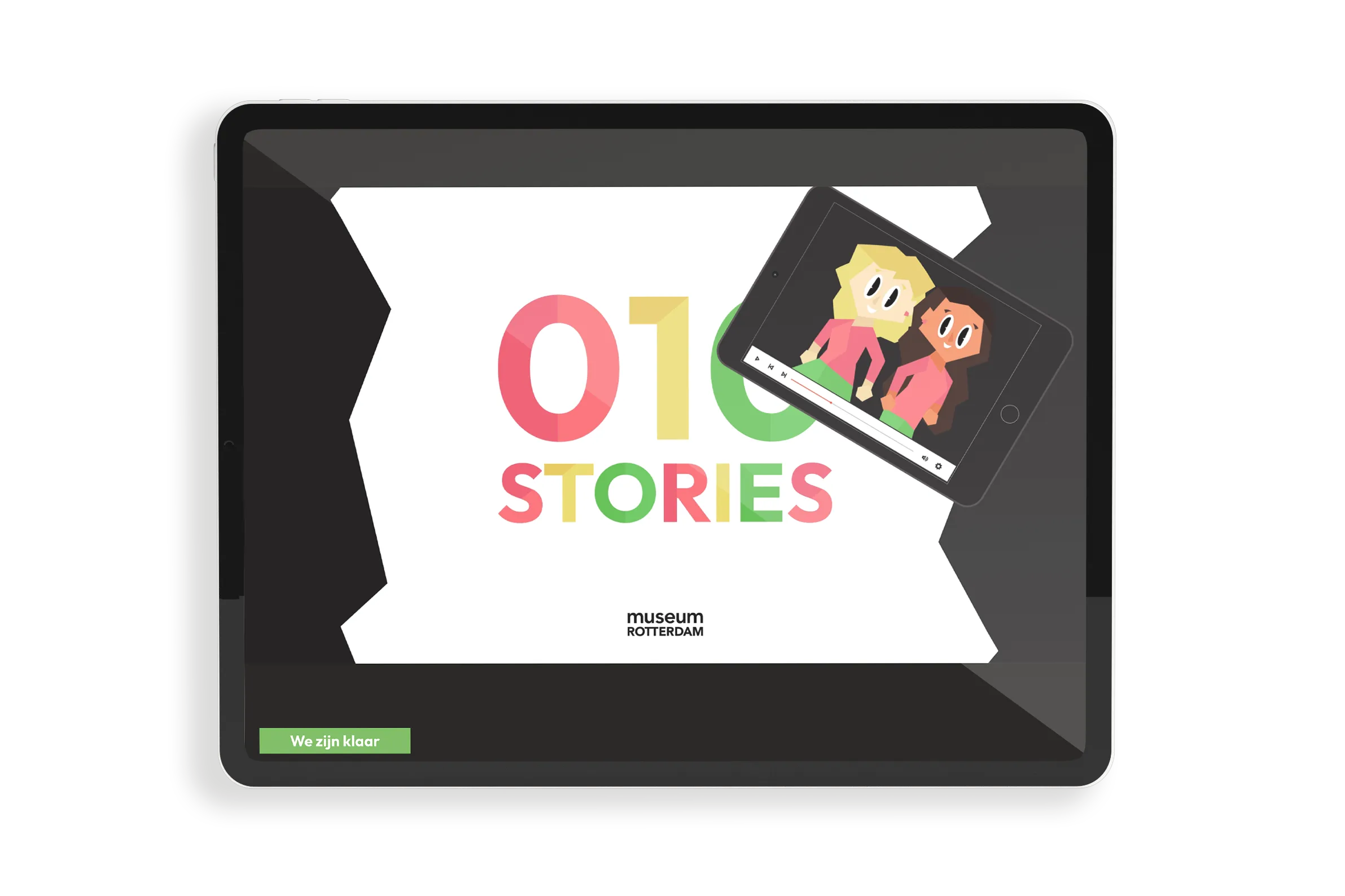
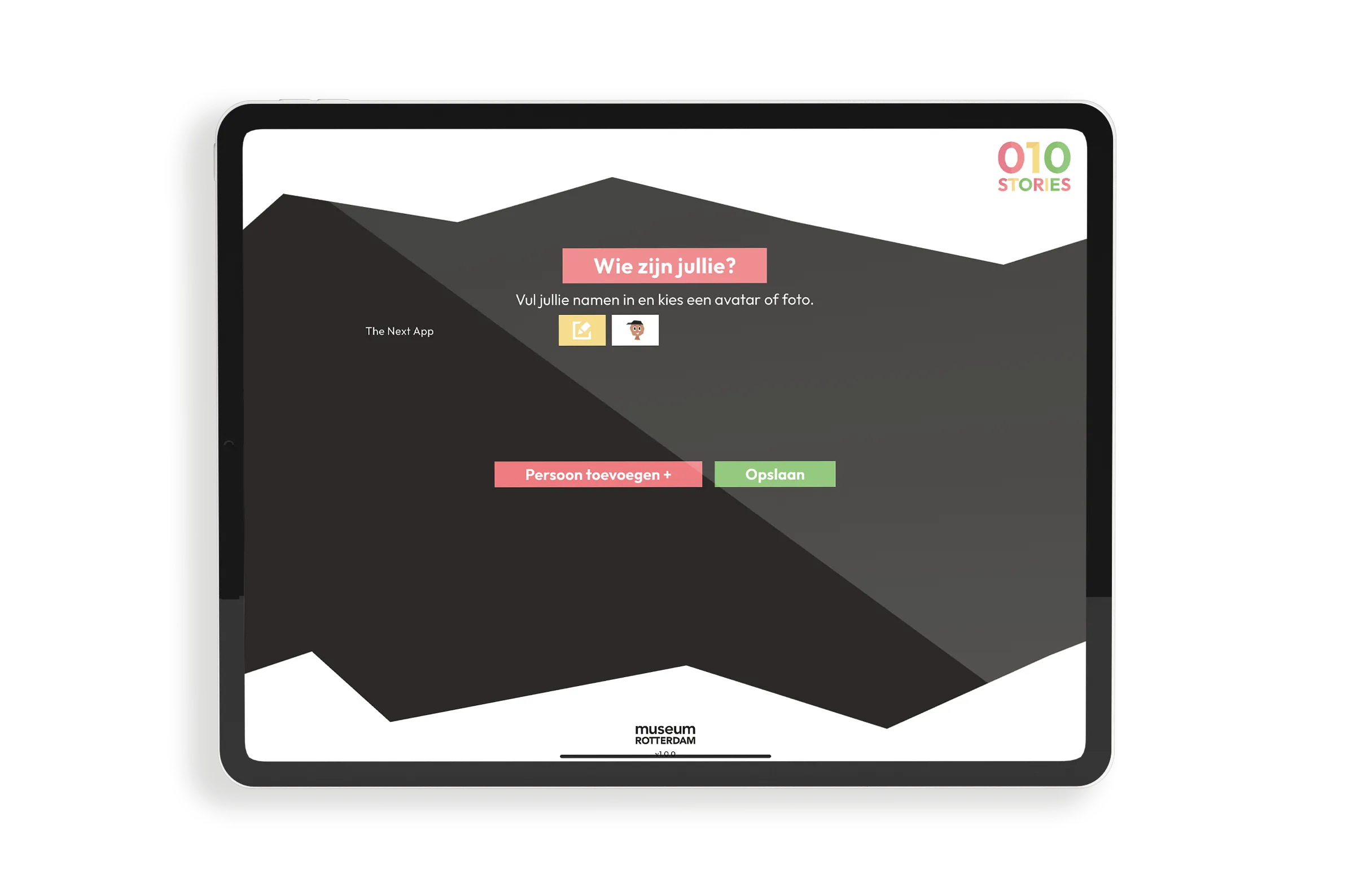
4 apps
Student app, teacher app, CMS and backend — all built by The Next App
Automatic
Video montage of student responses via FFmpeg and Google Cloud Run
Flutter + NestJS
Cross-platform Flutter apps with a GraphQL API on Google Cloud
The challenge
Museum Rotterdam was looking for a way to make school visits more interactive and memorable. Students had to be able to work independently with collection pieces, the teacher had to maintain oversight of the group's progress and the museum had to be able to keep the content up to date itself. At the same time, the museum wanted to give each class a tangible end product: a personalised video of the visit.
The approach
We built four integrated applications: a Flutter student app with four assignment types (text, multiple choice, video and drawing), a Flutter teacher app for session management and real-time group monitoring, a Flutter CMS for museum staff and a NestJS/GraphQL backend on Google Cloud. The backend automatically generates a video montage of student responses via FFmpeg and Google Cloud Run after each session.
Result
School classes now go through a fully guided digital learning experience during their visit to Museum Rotterdam. Students work independently with collection pieces, the teacher monitors progress in real time and each class takes home an automatically generated video as a memento of the visit.
iOS & Android
Flutter student app and teacher app for both platforms
Automatic
Vlog per class generated from student responses, photos and videos
Self-managed
Museum manages collection and education programmes via its own CMS
Working with The Next App?
Want to build an interactive platform or multi-app system?
Technology
FAQ
The platform consists of four integrated applications: a Flutter student app for iOS and Android, a Flutter teacher app for session management and group monitoring, a Flutter CMS that museum staff use to manage collection and education programmes, and a NestJS backend with a GraphQL API on Google Cloud.
The four components work together via a shared data structure and communicate via GraphQL.
After each session, the backend automatically generates a personalised video from the student responses.
The backend collects the responses, photos and video recordings from the students and sends a job to Google Cloud Run. Cloud Run processes the media files via FFmpeg and Canvas.js into a cohesive video montage with an intro, response fragments and outro.
The video is stored in Google Cloud Storage and is then available for the class.
Yes. The Next App has experience building platforms where multiple apps work together via a shared backend. We handle the complete process: from architecture choices and design to build, integration and delivery. Get in touch for a no-obligation conversation about your project.
Let's grab a coffee. Tell us about your idea and we'll give you our honest take on what's possible.
Schedule a call →